Documents
Documents
The Documents tab displays all the important documents related to the membership that you belong to, including agreements such as your Master Service Agreement (MSA).
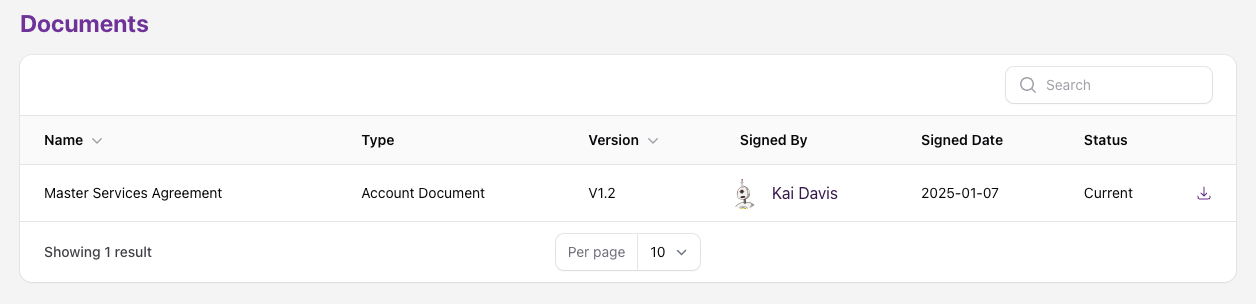
Each document can be downloaded using the Action Menu on the far right.
Document Statuses
- Latest — the current version of an account document, such as your MSA.
- Superseded — an older version of an account document that has since been replaced.
Signing & Requesting Changes to Documents
When a new or updated document — such as your MSA — needs your attention, you'll be prompted to review it from your Dashboard or the Documents page.
To sign a document:
- Review the document and select I have read and agree to....
- Complete your signer details and sign.
If you'd instead like to negotiate changes to your MSA, select I would like to request amendments to... in place of agreeing. This notifies our team, who will reach out to discuss the requested changes directly.