Orders
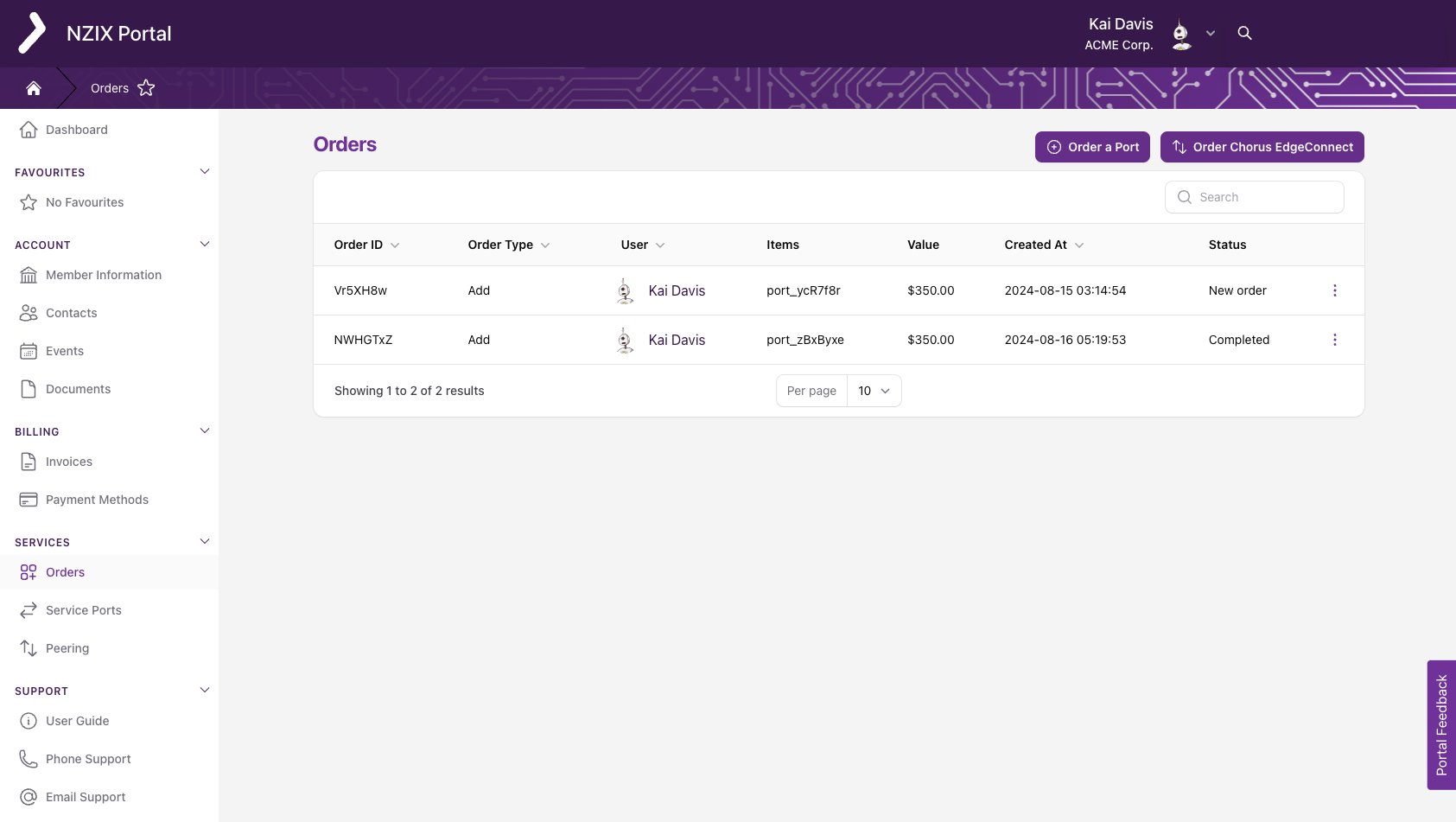
The Orders tab allows you to create an order, and displays the account order action history. From this page, you can also access the Order Details Overview by clicking the View button.
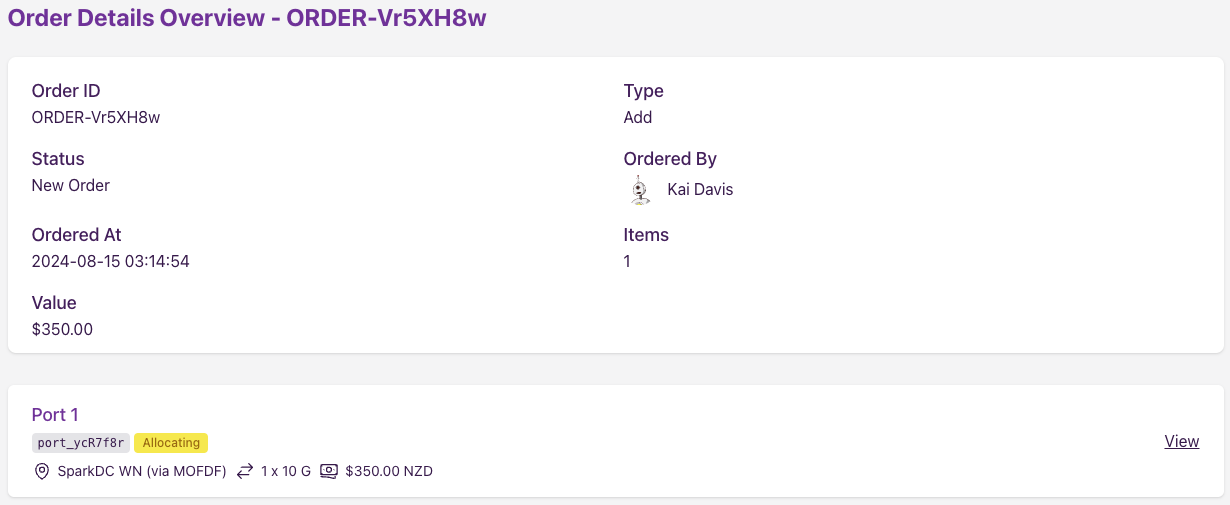
The Order Details Overview view displays all the information relating to an order that was placed on your account. You can also navigate to the Service Details for the ordered service from this view by clicking on the View button of the service port you would like to see.
Withdrawing an Order
To request withdrawal of an order that hasn't been completed yet:
- Navigate to the Orders page, or the Order Details Overview for the order.
- Click the Action Menu and select Request Order Withdrawal.
-
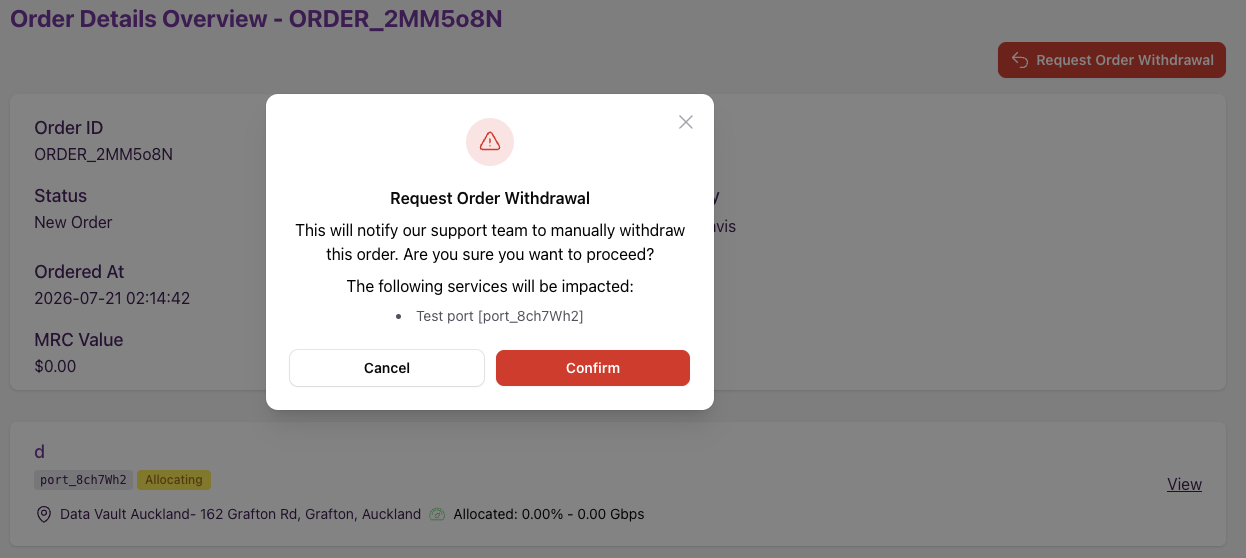
Review the services that will be impacted, then confirm.
This is a request, not a guarantee
Requesting a withdrawal notifies our support team to action it manually — it doesn't withdraw the order immediately. Our team will be in contact to confirm once it's been withdrawn. If the order has already been completed, it can no longer be withdrawn.